✍️
Two modes in one
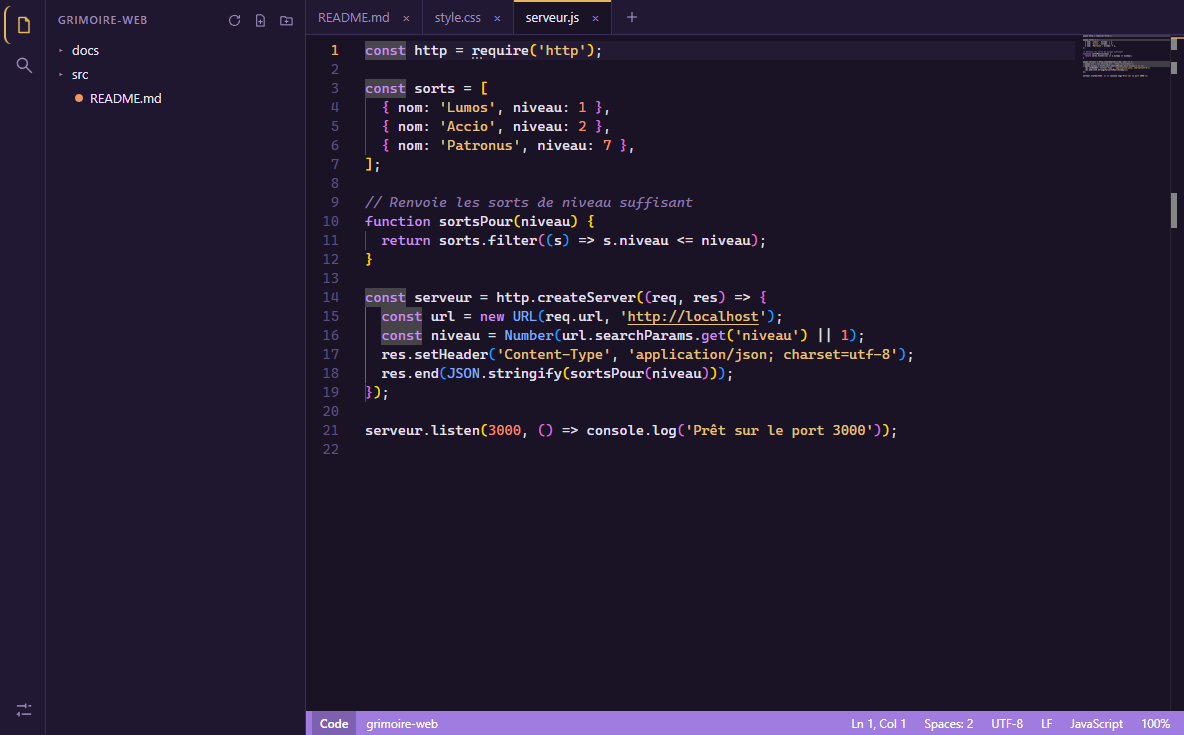
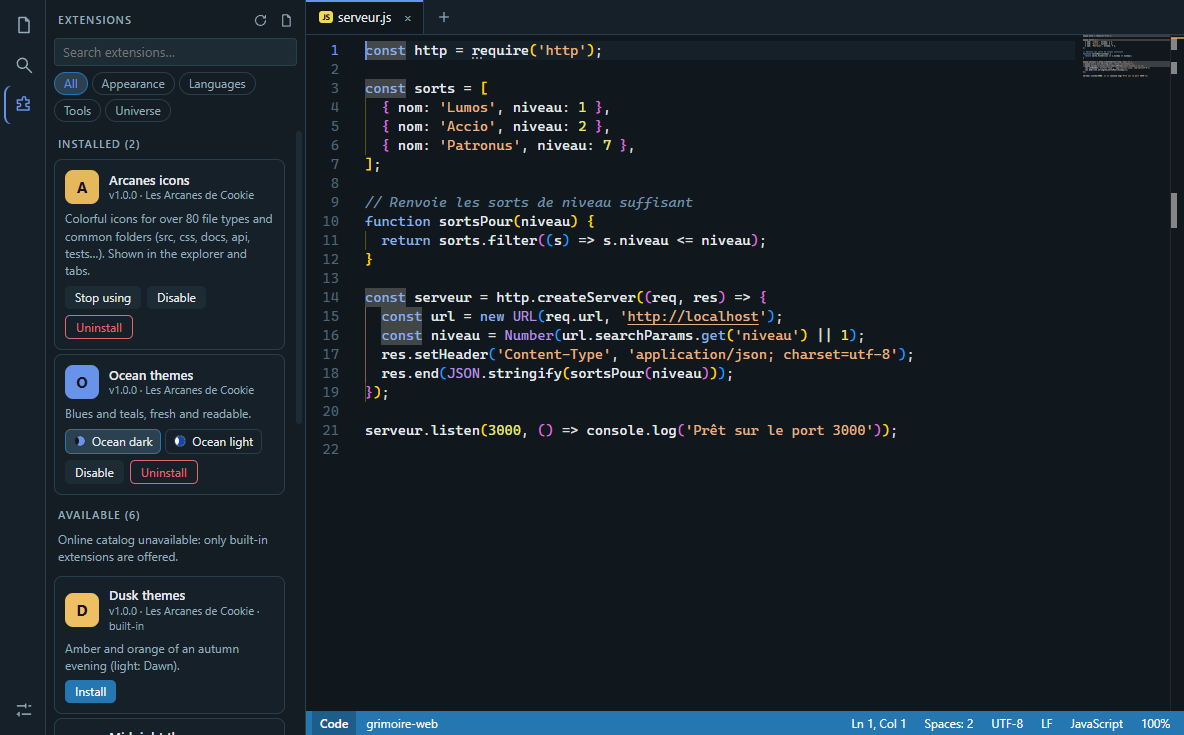
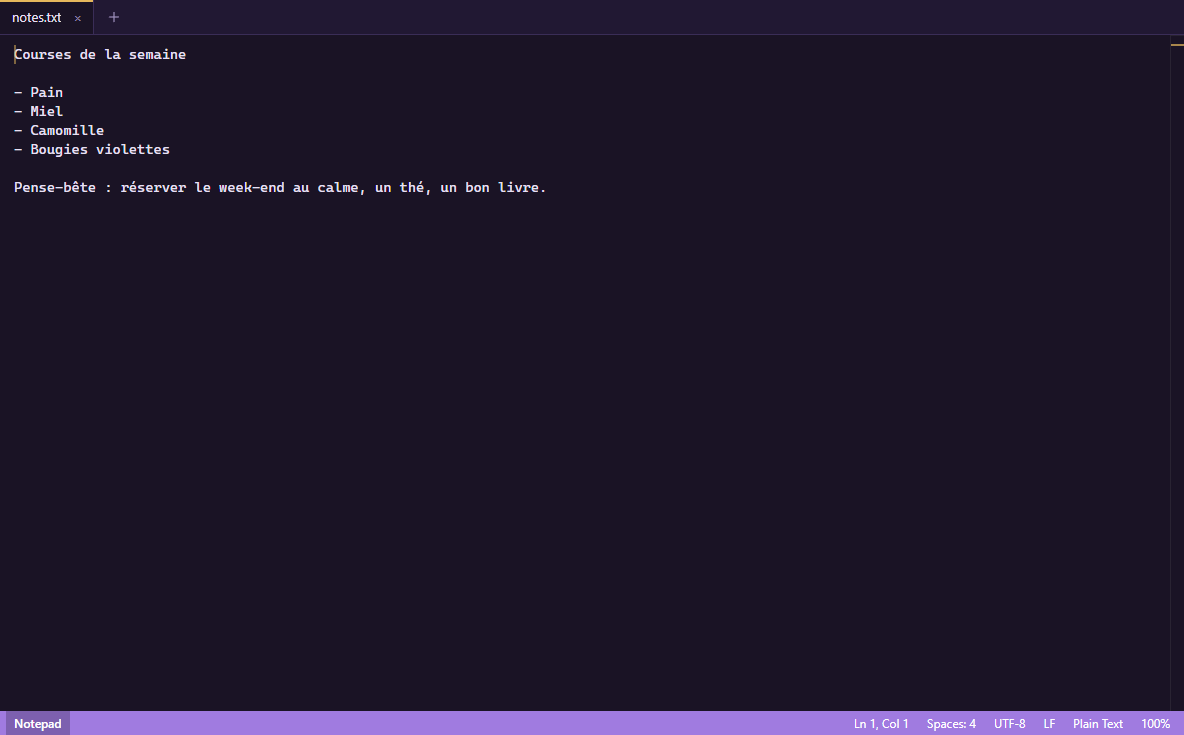
Notepad mode: just the text, simple and fast. Code mode: folders, search, syntax highlighting, suggestions. One click to switch.
Available on Arcanes Store
Version 0.6.0 · October 31, 2026 · 118.4 Mo · Windows 10 / 11 (64-bit)
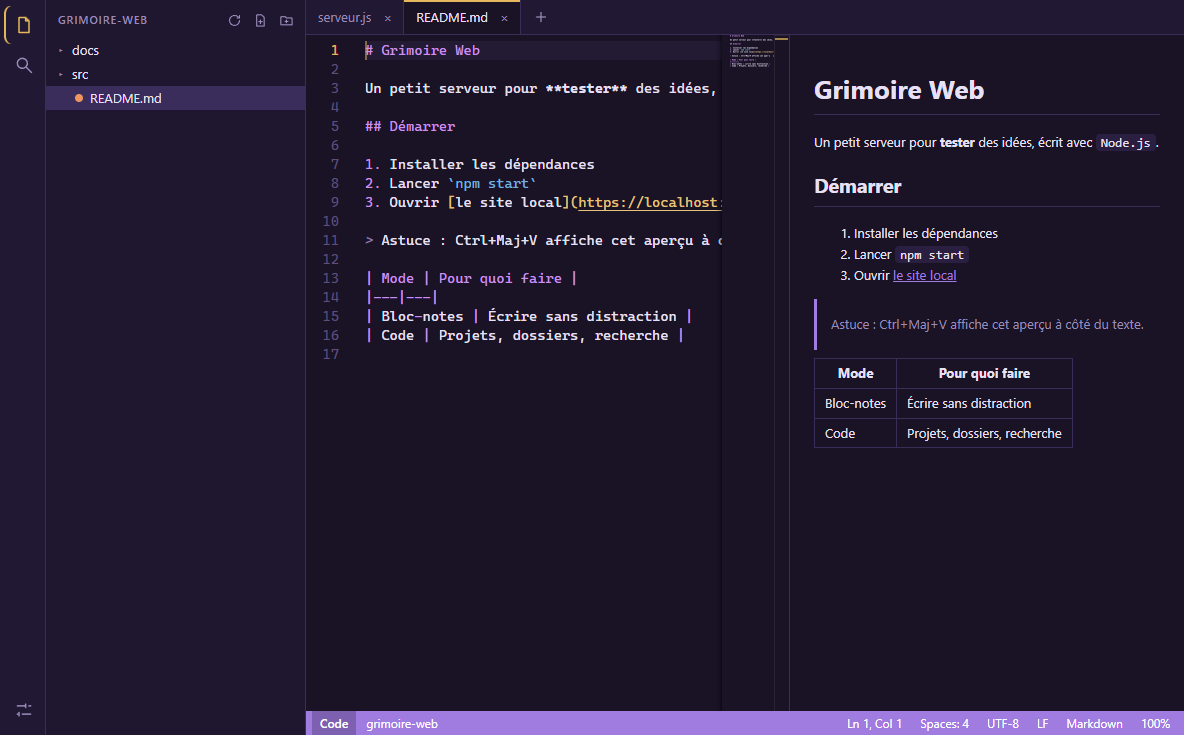
New: the Markdown preview understands everything (headings, tables, nested lists, task lists, alerts and callouts, footnotes, collapsible sections, safe HTML, LaTeX formulas, Mermaid diagrams, local images, code block highlighting, automatic table of contents…). Markdown extension with all the snippets. If Scriptorium was not installed through Arcanes Store, it tells you when a new version exists (can be turned off). The website now has tutorials and the shortcut list.
Notepad mode: just the text, simple and fast. Code mode: folders, search, syntax highlighting, suggestions. One click to switch.
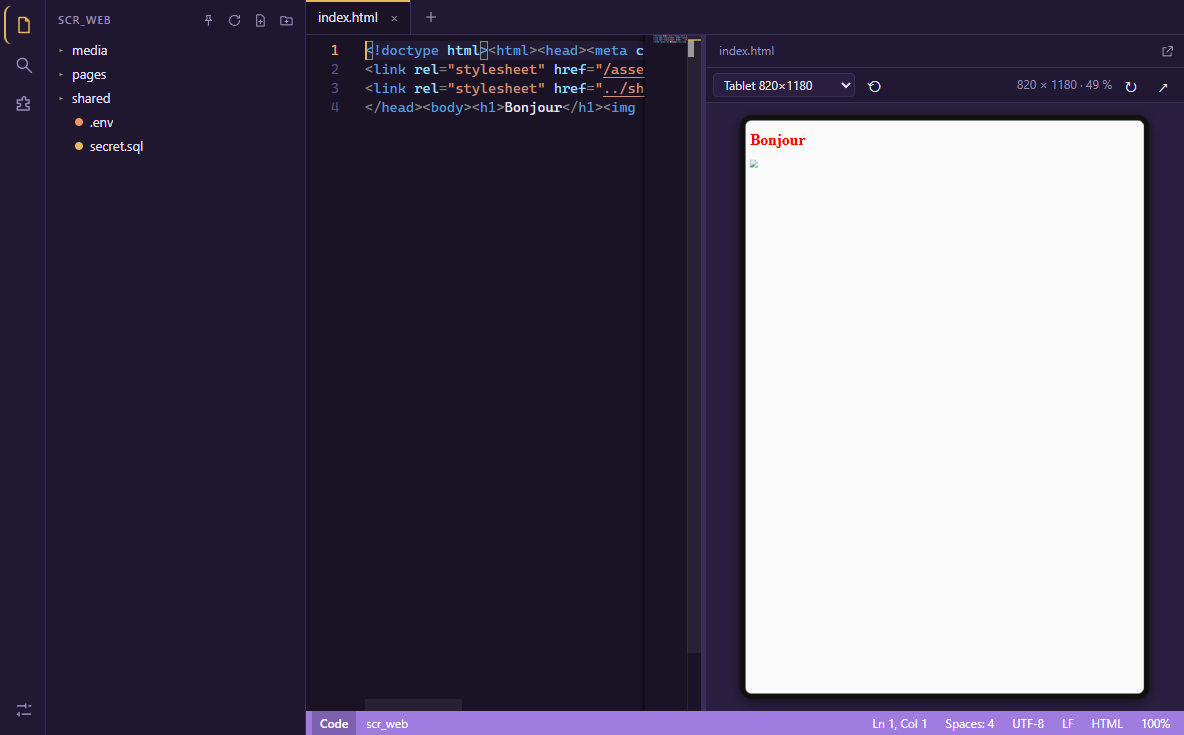
Full Markdown (tables, maths, diagrams…), web pages with their CSS, SVG. Phone or tablet view, and a window you can detach to a second screen.
Color themes, icons, languages (HTML, PHP, Lua, Java, Python, Flutter, Android, Swift, FiveM, Markdown…), project templates. You only install what you need.
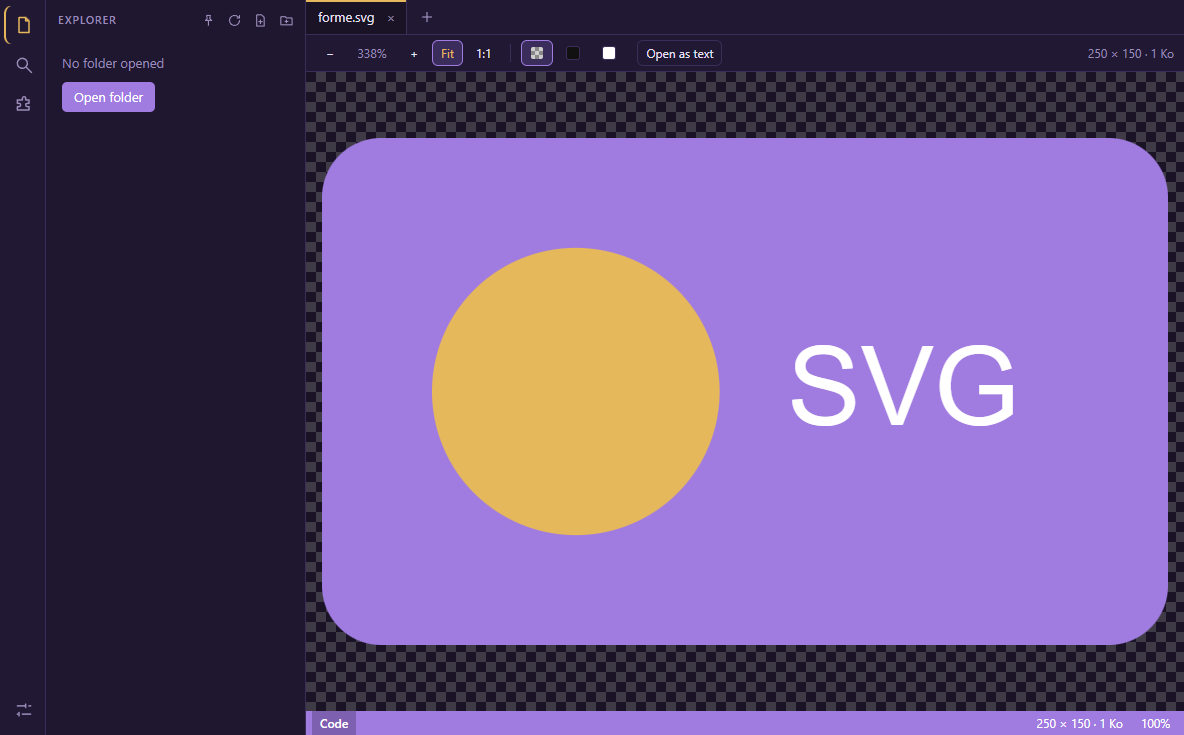
Images open in a tab, with zoom and a choice of background. An SVG shows as an image or opens as text.
Your projects one click away in the left bar, in the color of your choice.
Encoding and line endings preserved, your tabs restored even unsaved. No account, no ads, no tracking.
Quick start: how to find your way around · All keyboard shortcuts · Markdown cheat sheet